
Appearance
Parking & Access (How to Park)
Before Your Visitor Arrives
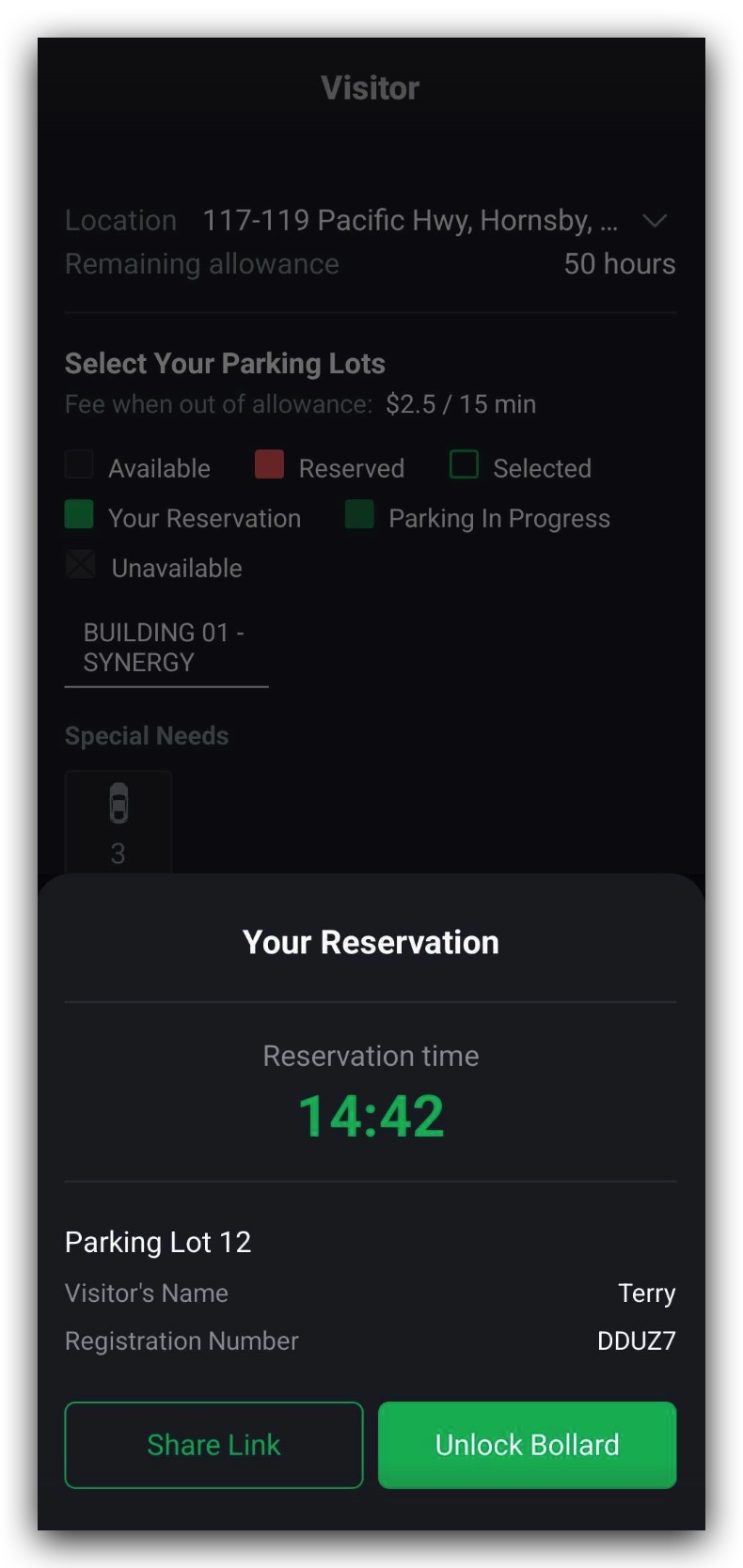
- When a booking is made, your reserved bay appears in the app.
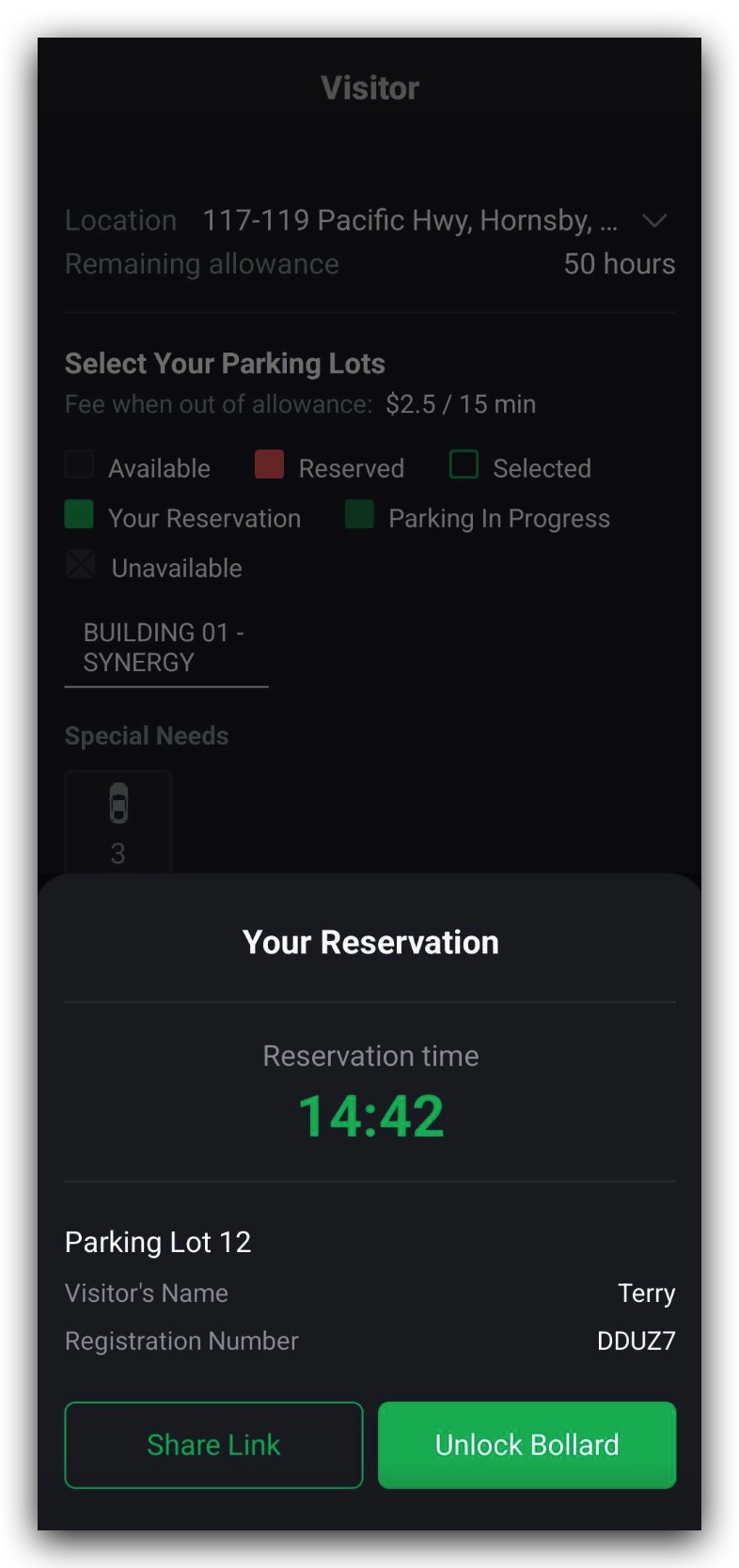
- A 15-minute countdown timer starts when you tap to unlock the bollard (Figure 2.3.1).
- This is your unlock window.
TIP
The bollard must be unlocked during this 15-minute window.
Unlocking the Bollard
You can unlock the bollard in two ways:
- Share Link — Send your visitor a unique URL (no app needed for them).
- Unlock in App — Tap Unlock Bollard in your TerraFuse app.
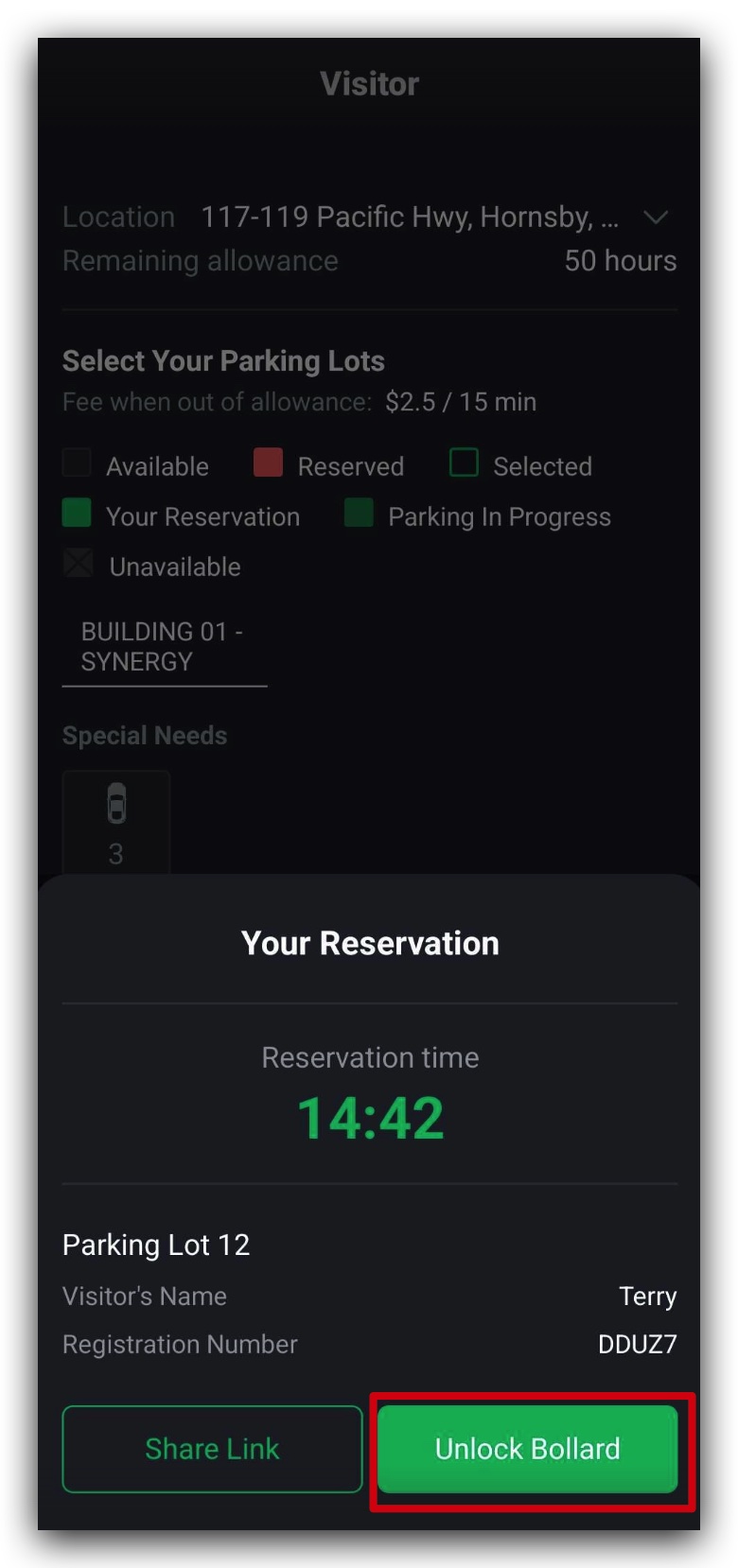
Unlock Bollard Clicked By Resident
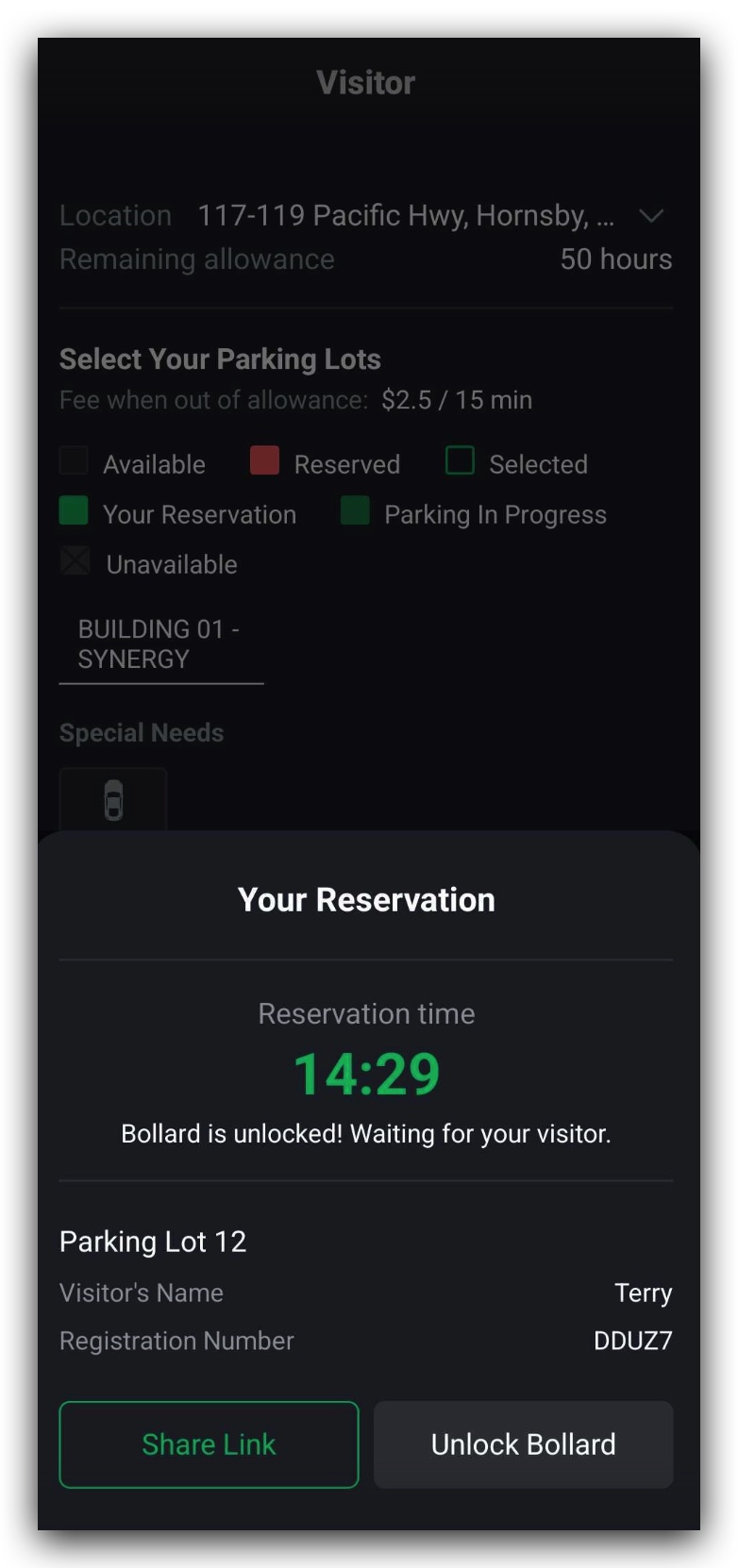
- Resident unlocks via the app by pressing Unlock Bollard button for the Visitor, as shown in Figure 2.3.2.
- Visitors do not need to do anything, they just simply go in to the parking slot once the bollard has been unlocked by the resident.
Sharing the Access Link
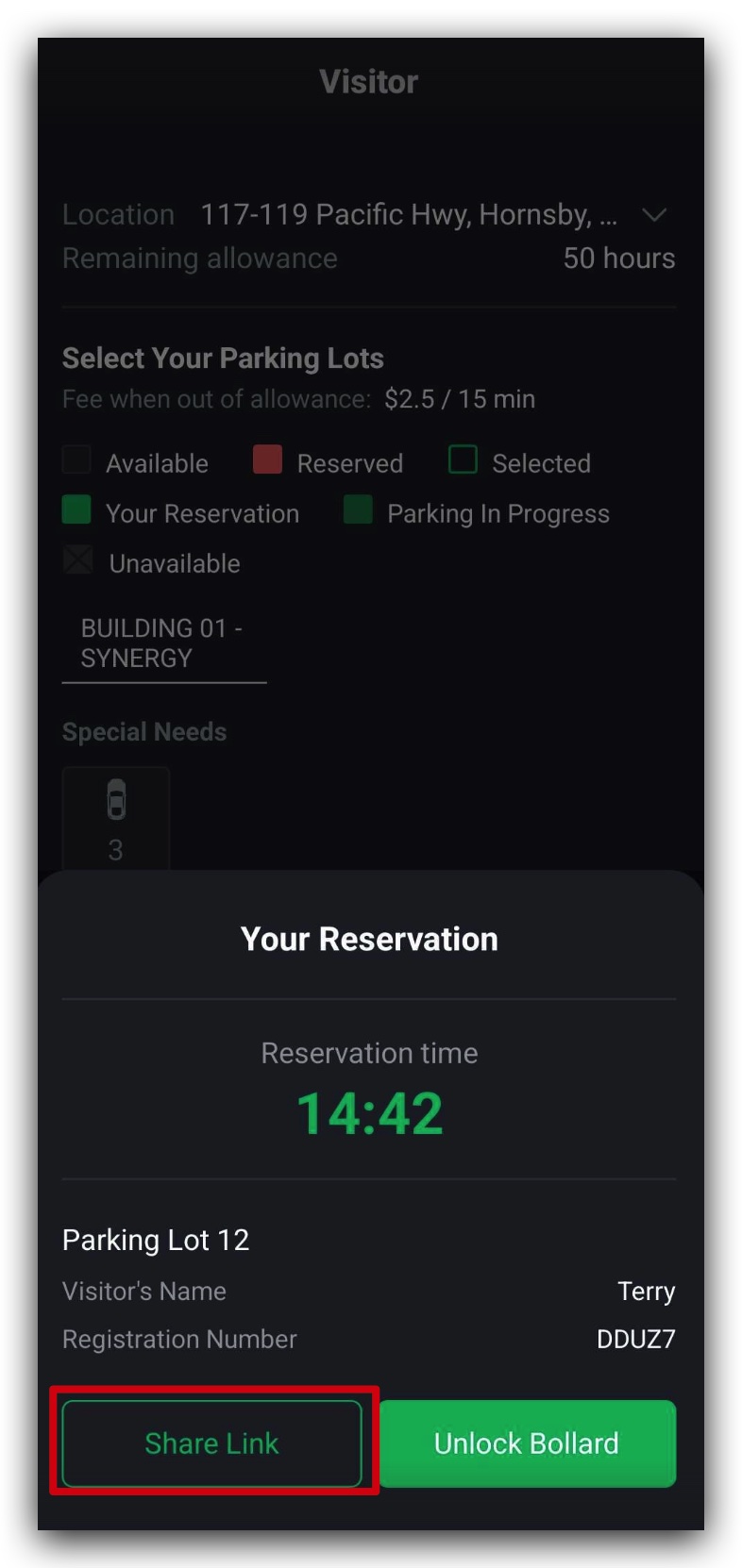
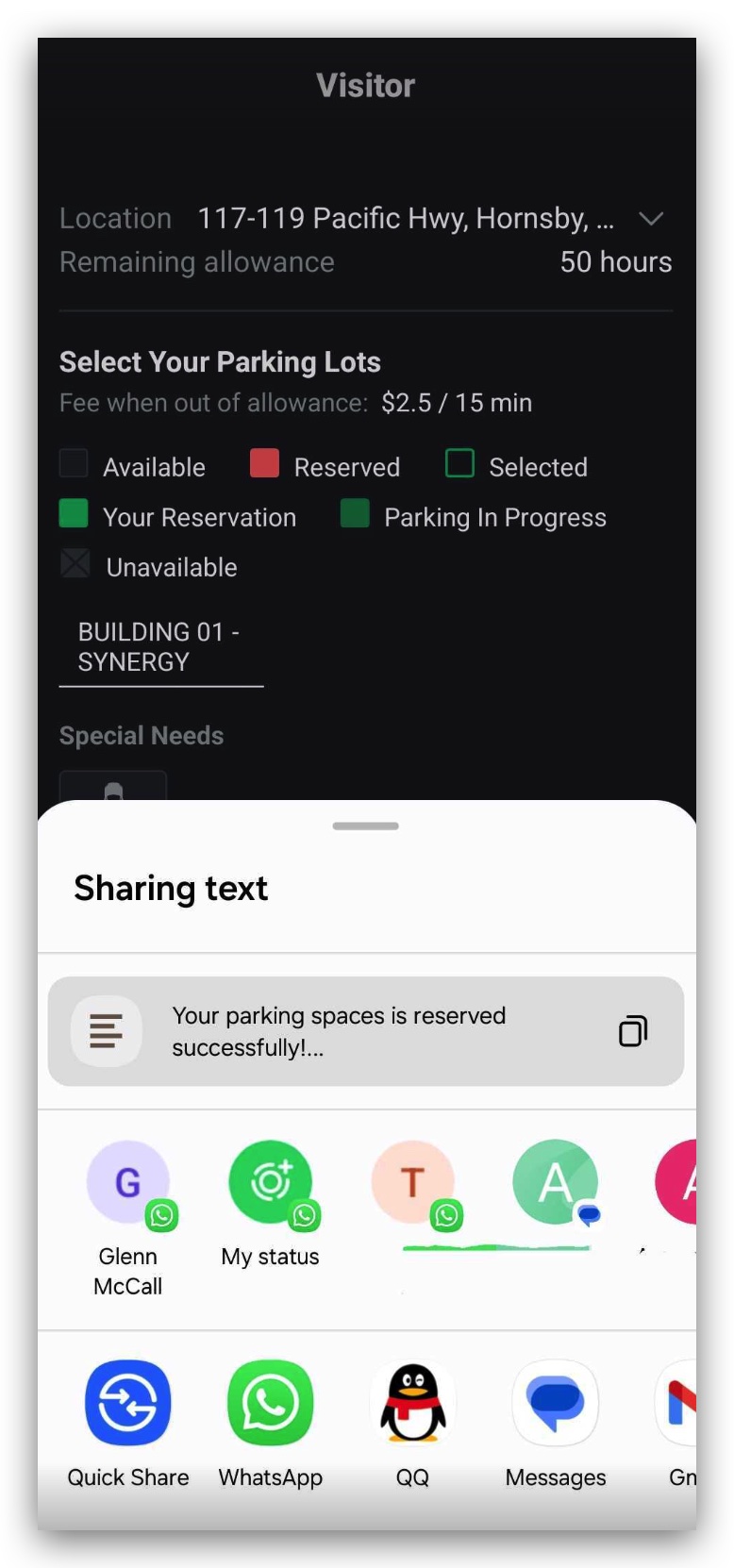
Residents can click Share Link to generate a unique reservation URL (Figure 2.3.3). This URL can be directly shared from the app to any contact platform to the visitor (Figure 2.3.4).
TIP
Visitors do not need to install the TerraFuse app. They can use the link to access and unlock the parking bollard.
Unlock Bollard Button Explained
| Color | Status |
|---|---|
| Green | Bollard is locked (ready to unlock) (Figure 2.3.5) |
| Grey | Bollard is unlocked (Figure 2.3.6) |
WARNING
If no car enters during the countdown, the parking bay will reset, resulting in:
- The cancellation of the booking
- Relocking the bollard
- Making the spot available again
During the Parking Session
- When a car enters, the sensor detects it and starts the session.
- The resident’s parking allowance is deducted automatically.
- If no car arrives in time, the session will not start, and the bay will reset.
TIP
Make sure the visitor enters the bay within 15 minutes of unlocking.