
Appearance
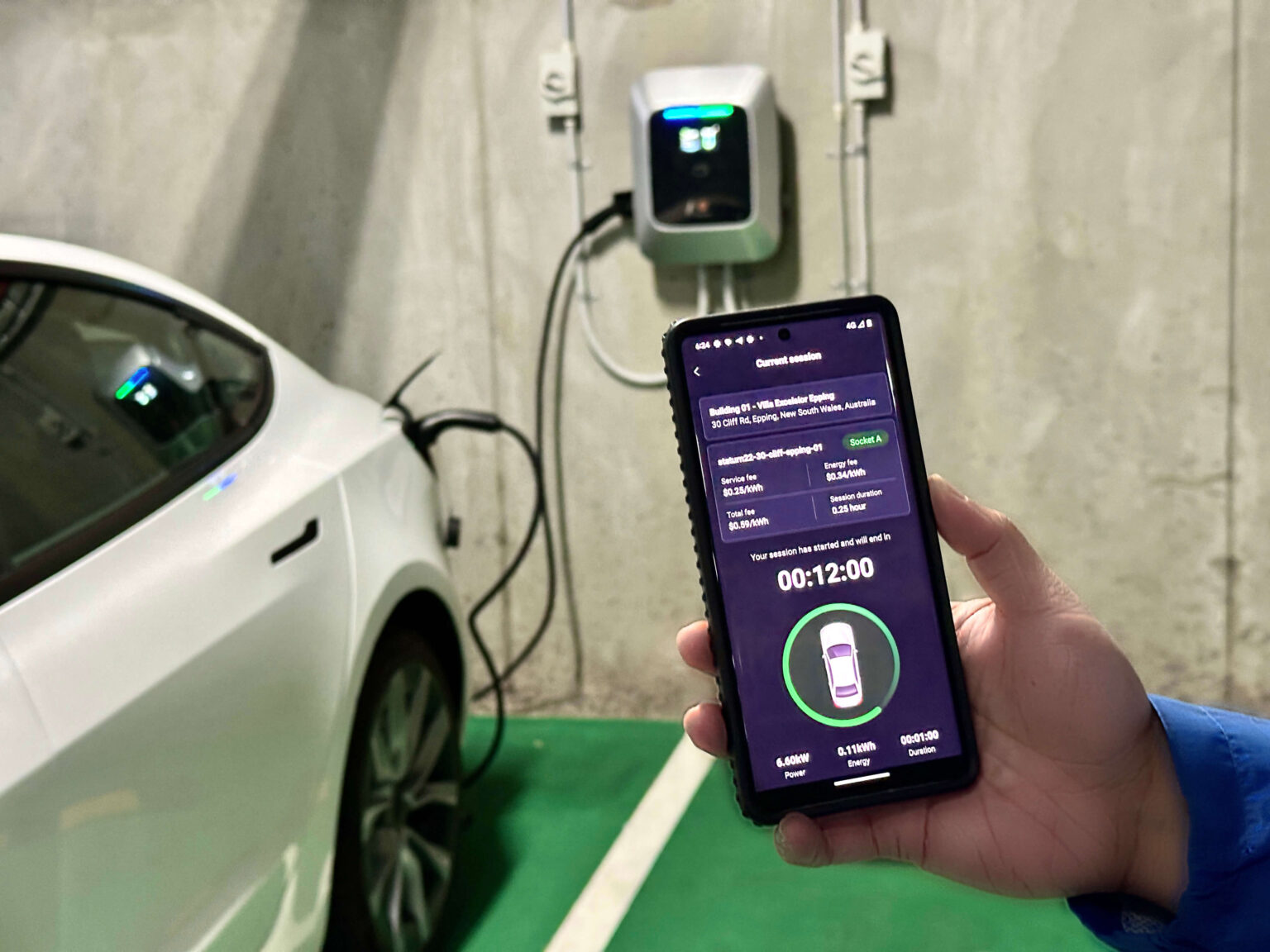
TerraFuse Mobile App Guide
Welcome to the TerraFuse App Guide — your go-to resource for managing EV charging and visitor parking directly from your smartphone. Whether you're hosting guests or charging your electric vehicle, our app is designed to provide convenience, control, and clarity.
What You’ll Learn
This section of the guide is tailored for residents and tenants. You’ll learn how to:
- Set up your TerraFuse mobile app account
- Apply for visitor parking and manage your bookings
- Connect your EV to the smart charging system
- View your charging history and session details
- Receive real-time updates and notifications
Why Use the App?
The TerraFuse app offers a streamlined experience that lets you:
- Reserve visitor parking spots in a fair and secure way
- Get approval from your building manager directly through the app
- Monitor EV charging status and availability of stations
- Eliminate confusion over unauthorized or long-term parking
Before You Begin
Make sure you have:
- Downloaded the TerraFuse app from the App Store or Google Play
- Your building's TerraFuse system installed
- Your personal and vehicle details ready for registration
💡 Need help with dashboard setup instead? Head over to the Dashboard Guide for building managers.